cc65 Library
How to import a library built with cc65 into a BitMagic project. The example uses Mooinglemur’s ZSMKit, a music playback library that plays exports from Furnace.
Before you start
ZSMKit is included as a submodule, so clone with --recurse-submodules. Build it with cc65 by following ZSMKit’s own instructions. zsmkit/lib/zsmkit.lib must exist, as that’s the file BitMagic imports.
How it works
The library’s ZSMKITLIB segment, which holds its code, is placed in the project’s main segment. Its ZSMKITBANK segment goes into a BitMagic segment in banked RAM. CC65.Exports writes the library’s routine addresses into the zsm scope.
    CC65.Code("ZSMKITLIB", obj);

    CC65.Exports(obj);

.segment ZSMBANK, $a000, $2000, _, zsm
    CC65.Code("ZSMKITBANK", obj);
.endsegment
ZSMKit is initialised to use bank 1. The program then loads SONG1.ZSM from the SD card into memory after its own code and points ZSMKit at it. The filename is a C# variable, so the same value is written into the source for SETNAM and used for its length:
var songFilename = "SONG1.ZSM";

    lda #@(songFilename.Length)
    ldx #<songname
    ldy #>songname
    jsr SETNAM
project.json copies the song to the SD card. Finally a loop waits for VSYNC and calls ZSMKit’s tick routine to play the music.
Importing a library
BitMagic ships with cc65library.bmasm for importing cc65 libraries:
import CC65="cc65library.bmasm";

; the library file, the scope name, and the base path for the source mapping
var obj = CC65.Parse(@"..\zsmkit\lib\zsmkit.lib", "zsm", @"..\zsmkit\");
The library’s routines are then in the zsm scope:
    lda #1
    jsr zsm:zsm_init_engine
The imported object has three methods.
Parse
Cc65Obj Parse(string filename, string scopeName, string sourcePath)
Loads a library file and returns the object that represents it.
| Name | Type | Optional | Description |
|---|---|---|---|
filename |
string | No | The .lib file to load. |
scopeName |
string | No | The scope to put the library’s exports in, to keep them apart from your code. |
sourcePath |
string | No | The base path for the library’s source. If the library was built with debug information, BitMagic can step into the original code. |
Code
void Code(string segmentName, Cc65Obj lib)
Writes the code for a segment of the library. Check the library’s documentation for the segment names it uses.
Note: segmentName is the library’s segment name, not a segment in the BitMagic project.
Exports
void Exports(Cc65Obj lib)
Writes the library’s exports, such as the addresses of its routines and variables, into the scope given to Parse.
Debugging the library
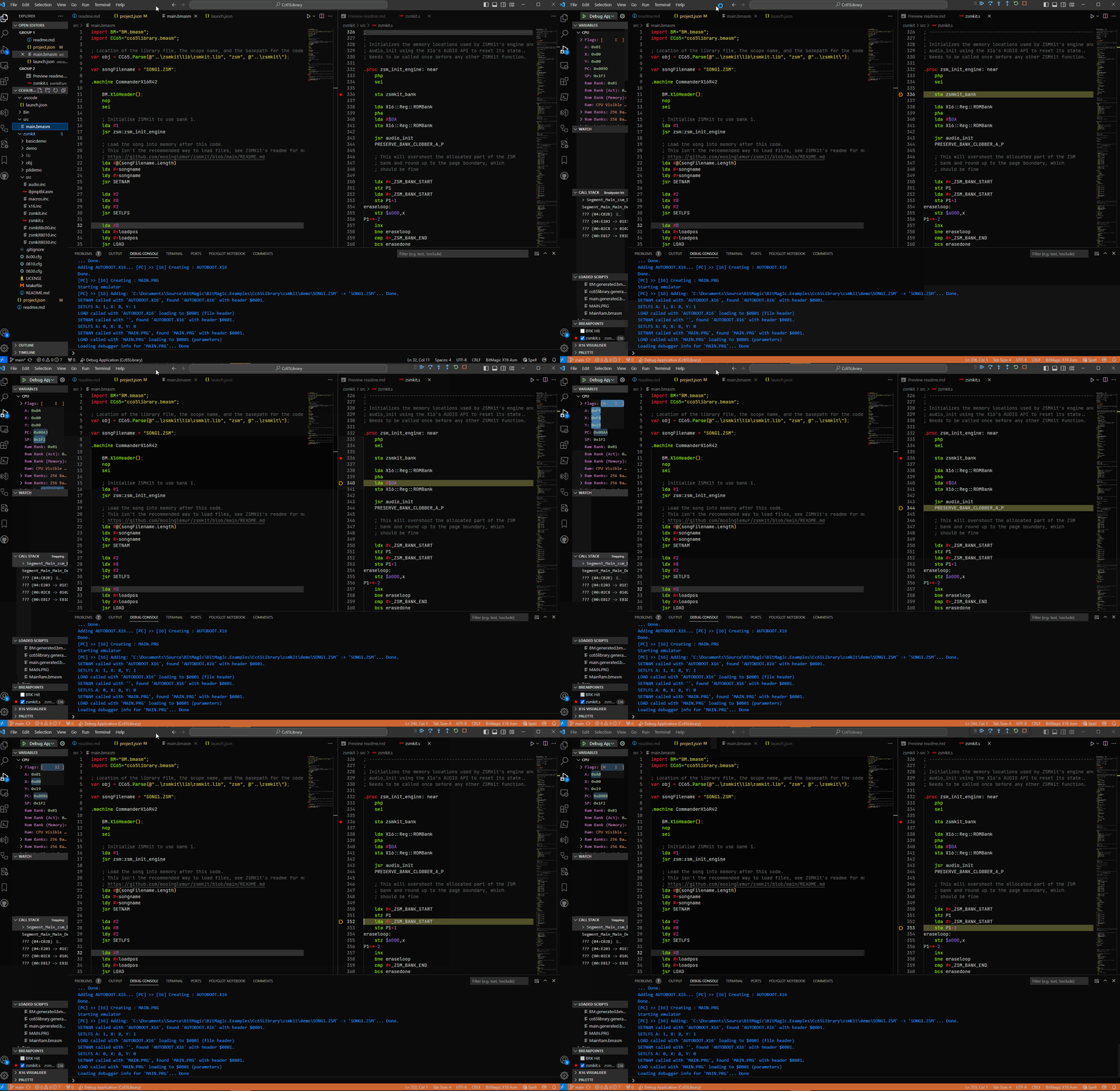
You can debug the library’s source the same way as a .bmasm file. Change the language of the library’s .s files to BitMagic X16 Asm: press Ctrl+K M and pick it from the list, or use the language selector in the bottom right of the editor. See the VSCode documentation for more.